How to Automate P2P Trading: The Pilotbotnet Ecosystem for Binance, Bybit, OKX, and HTX
Leave manual labor behind. Learn how Pilotbotnet transforms P2P trading into an autonomous business: from millisecond AI repricing to KYC verification and automated crypto release via bank API.

Maksim
Author
On this page
- The "Zero Manual" Ecosystem: 4 Steps to Total Automation
- 1. AI Repricing: Capturing Top-1 with Millisecond Speed
- 2. AI Chat Agent: Intelligent Customer Relationship Manager
- 3. AML/KYC Verification and Deterministic Credential Injection
- 4. Bank API: Automated Crypto Release (Auto-release)
- Supported Exchanges
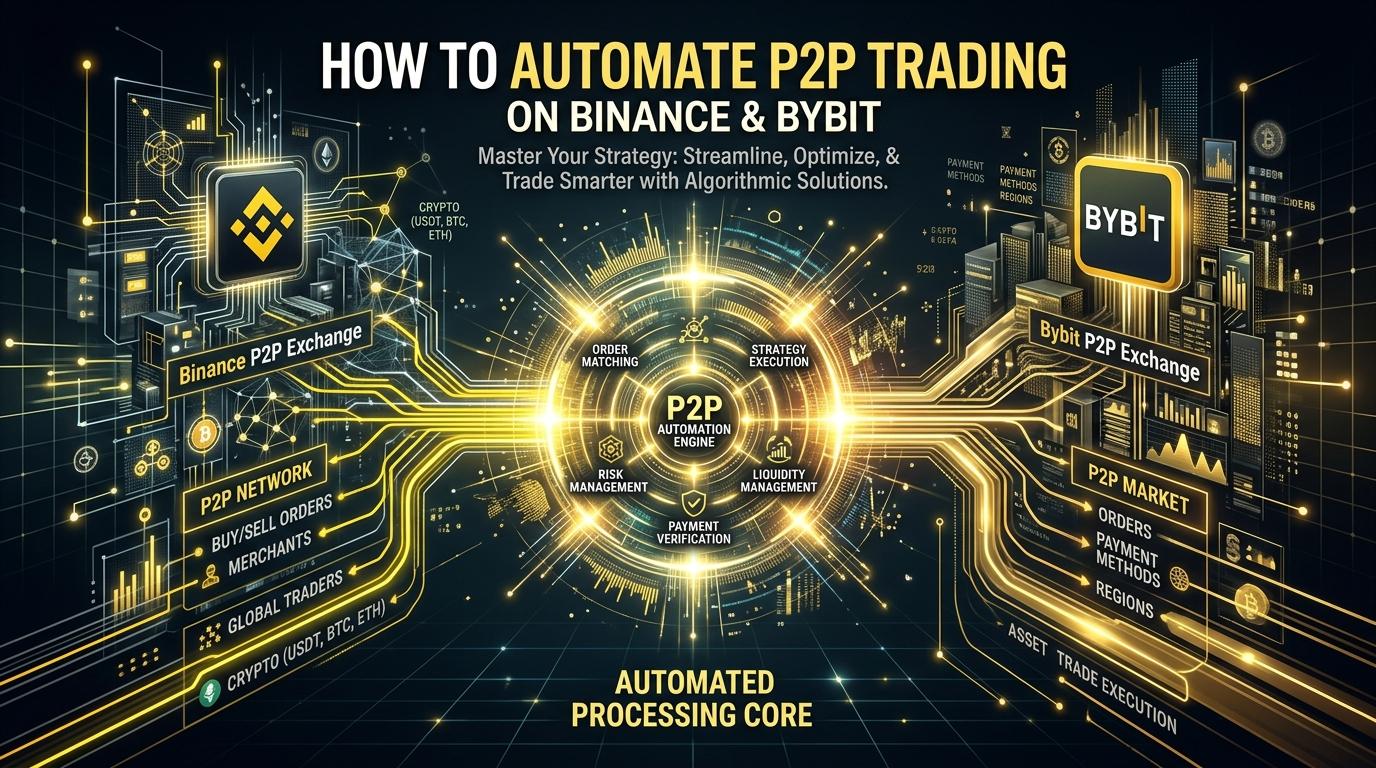
The era of manual P2P trading has come to an end. If you are still manually updating prices, typing messages in trade chats, and frantically checking banking notifications, you are losing out to competitors running professional algorithms.
Pilotbotnet is not just a script. It is an enterprise-grade SaaS ecosystem that transforms your P2P trading into a completely autonomous operation. The system supports absolutely all fiat pairs and payment methods available on the exchanges, whether NGN, THB, or RUB.
You no longer need to wake up at 3 AM for a $50 order — the bank API will verify the deposit, match the sender's legal name, and release the crypto in 12 seconds.
The "Zero Manual" Ecosystem: 4 Steps to Total Automation
Automation is far more than simply adjusting prices. It is a robust pipeline where each stage secures the previous one.
1. AI Repricing: Capturing Top-1 with Millisecond Speed
The Pilotbotnet pricing algorithm keeps your advertisements in the first rank 24/7. Responding to market shifts in milliseconds, you capture maximum organic order flow and volume while competitors sleep or manually refresh their screens.
2. AI Chat Agent: Intelligent Customer Relationship Manager
The moment an order opens, the integrated AI agent steps in. It engages with the buyer autonomously, overcomes objections, answers inquiries, and politely requests payment receipts. Crucial: The AI agent never provides payment credentials on its own. This thoroughly eliminates the risk of leaking banking details to scammers via social engineering in chat.
3. AML/KYC Verification and Deterministic Credential Injection
Before a buyer receives your payment details, the system conducts rigorous verification. This can be orchestrated via seamless integration with Didit or through manual "selfie + ID" verification directly in trade chat. The system carefully matches legal names against compliance databases. Only when verification succeeds does the strict deterministic layer safely inject payment credentials (or a QR code) into the chat. Scammers and triangular fraud operators never receive payment details.
4. Bank API: Automated Crypto Release (Auto-release)
Direct webhook integrations with advanced fintech solutions (such as Stark Bank / Pix, Tinkoff, Monobank) settle orders without your manual intervention. The Pilotbotnet bank API executes strict reconciliation: matching the deposited amount down to the cent and verifying the payer's Tax ID / legal name (Confirmation of Payee). If the match is flawless, the system automatically triggers the "Release Crypto" action.
Supported Exchanges
We focus on uncompromising stability and security. Pilotbotnet officially supports exactly 4 exchanges:
- Binance
- Bybit
- OKX
- HTX
All four operational layers of the ecosystem are supported across every one of these platforms.
Start automating today and scale your capital while the system manages operational execution: pilotbot.net/signup
Automate P2P Trading and Keep Top Order Book Positions 24/7
Get 28 days of Light plan free instead of 14 with the exclusive promo code below. No credit card required.
Maksim
Founder, Pilotbot
Builds Pilotbot, a P2P Trading OS for merchants running advertisements across Binance P2P and Bybit P2P. Works on automated pricing, ad positioning and exchange connectivity.