Zero Manual: How to Turn P2P Trading into an Autonomous Business on Binance, Bybit, OKX, and HTX
Discover how the Pilotbotnet ecosystem handles 100% of the routine: from holding TOP-1 position in milliseconds to AI KYC screening and automated crypto release via bank API.

Maksim
Author
On this page
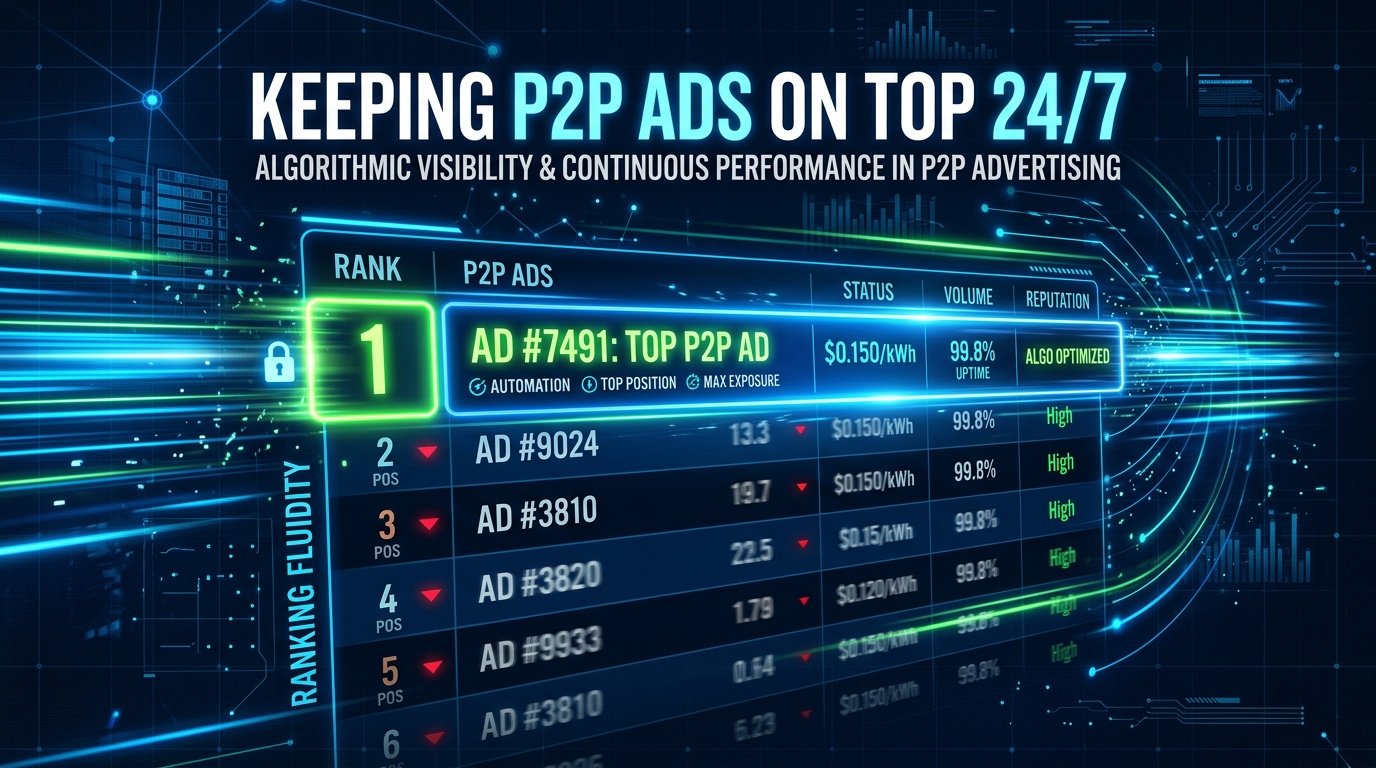
Short answer: A simple price-updating script no longer cuts it in modern P2P arbitrage. Pilotbotnet is a high-end SaaS ecosystem that completely eliminates manual labor. From millisecond-fast TOP-1 position management to autonomous chat communication, stringent AML/KYC screening, and instant asset release via banking API.
You no longer need to wake up at 3 AM for a $50 order — the bank API will verify the deposit, match the sender's legal name, and release the crypto in 12 seconds.
More Than Just a P2P Bot: The "Zero Manual" Concept
The market dictates clear realities: if you waste time on manual receipt checks, chat correspondence, and calculations, you lose profit. Automation in 2026 is far more than undercutting a competitor by one cent. It is a seamless 4-stage pipeline where every action occurs without your involvement.
Pilotbotnet supports any fiat pairs and any payment methods available on the exchanges — whether NGN, THB, RUB, EUR, or USD. The platform operates with identical excellence across Binance, Bybit, OKX, and HTX.
Let's break down exactly how the "Zero Manual" process functions.
Step 1: AI Repricing
When a buyer searches for crypto, they click the top offer. Pilotbotnet keeps your advertisements in the TOP-1 rank of the order book 24/7 with millisecond reaction times. While competitors sleep or get distracted, the system continuously analyzes limits, volume, and depth, adapting your position instantly. No stuck orders — you consistently capture the lion's share of order flow.
Step 2: Autonomous AI Chat Agent
Immediately upon order creation, the AI Chat Agent steps in. It instantly greets the customer, addresses objections, explains trade terms, and requests payment receipts. Crucial: The AI agent never sends your payment details on its own. Its objective is flawless customer communication and preparing the counterparty for the next verification step.
Step 3: Strict AML/KYC Verification
Capital preservation is your paramount priority. Pilotbotnet conducts counterparty verification via deep integration with Didit or through traditional "selfie + ID" verification directly in trade chat. The system matches legal names and screens credentials across compliance databases. Only when verification status flips to "Passed" does the deterministic layer safely inject your payment credentials (or QR code) into the chat. Scammers, triangular fraudsters, and impersonators are physically unable to obtain your payment details.
Step 4: Bank API and Auto-release
The most transformative stage. Thanks to direct webhook integrations with banking partners (such as Stark Bank / Pix, Tinkoff, Monobank), Pilotbotnet detects incoming funds the exact second they land in your account. The system executes rigorous Confirmation of Payee: matching the incoming amount down to the cent and verifying the sender's Tax ID / legal name against the verified exchange counterparty profile. If there is a 100% match, the bot automatically clicks "Release Crypto". The transaction concludes in seconds without a single manual click.
Why Is a P2P Trading OS the Only Viable Path?
Conventional script bots frequently crash on connection drops, leaving your advertisements stranded at obsolete rates — resulting in guaranteed losses. Pilotbotnet operates at the operating system layer (Trading OS). If exchange connectivity (whether Binance, Bybit, OKX, or HTX) degrades or drops, the system immediately pauses affected ads. You never execute trades at a loss due to third-party technical glitches.
Zero Compromises on Security
To configure Pilotbotnet, you only need API keys with Read and P2P Trading permissions. We categorically never require withdrawal, spot trading, or futures permissions. All API credentials are encrypted with AES-256 at rest and in transit.
Set Up Your Autonomous Business in 20 Minutes
- Create API keys on Binance, Bybit, OKX, or HTX (Read and P2P Trading only).
- Connect your banks via webhook integrations for automated incoming payment tracking.
- Configure your AI agent rules in plain language: "If the buyer completion rate is below 95%, require a selfie with bank card against the open chat".
- Flip the master switch.
Now your operation runs autonomously. You focus on scaling capital while Pilotbotnet handles all operational heavy lifting.
💡 Get Started Now: Try Pilotbotnet free for 14 days (no credit card required) and experience the power of true Zero Manual automation.
Automate P2P Trading and Keep Top Order Book Positions 24/7
Get 28 days of Light plan free instead of 14 with the exclusive promo code below. No credit card required.
Maksim
Founder, Pilotbot
Builds Pilotbot, a P2P Trading OS for merchants running advertisements across Binance P2P and Bybit P2P. Works on automated pricing, ad positioning and exchange connectivity.