How to Connect Bybit to Pilotbot
Step-by-step: create a Bybit API key with the right permissions, restrict it by IP, and paste it into Pilotbot — with no withdrawal access.
Pilotbot Team
Author
On this page
Connecting Bybit works the same way as Binance: you create a Bybit API key with limited permissions and paste it into Pilotbot. The key lets the bot read the market and manage your ad prices — never withdraw funds.
Step 1 — Open the API Section on Bybit
Log in to your Bybit account and go to the API section (API Management) in your account settings.
Step 2 — Create a New API Key
Create a new key. Choose a System-generated key (not a third-party/connect app key).
Step 3 — Name the Key
Give the key a name you'll recognise, for example Pilotbot.
Step 4 — Set the Permissions
Enable the permissions Pilotbot needs:
- Spot — trading
- Contracts
- Assets — view
- Wallet — view
Do not enable withdrawal — the bot never needs it.
Step 5 — Restrict Access by IP
Under IP access, restrict the key by IP address and paste the IP addresses that Pilotbot provides. The key will then only work from Pilotbot's servers.
Step 6 — Submit and Copy Your Keys
Submit the key. Bybit shows your API Key and Secret Key — save the Secret Key now, it is shown only once.
Step 7 — Paste the Keys into Pilotbot
Back in Pilotbot, open Add Account, select the Bybit tab, paste your API Key and Secret Key, and click Confirm and add.
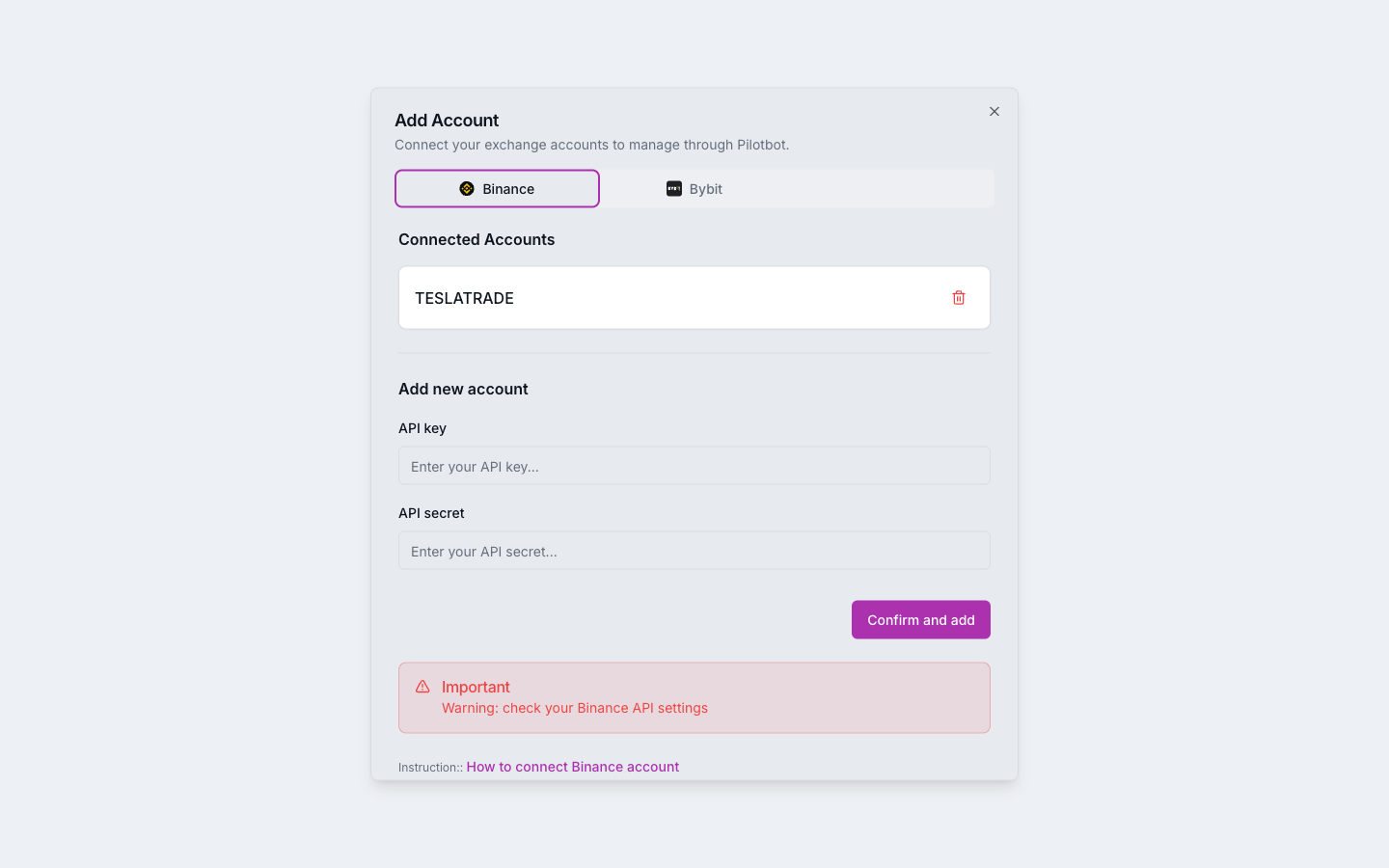
Your Bybit account now appears in the sidebar. Next, set a strategy with the AI agent and turn the bot on for your ads.