Partner Program: How to Earn with Pilotbot Referrals
A full guide to the Pilotbot partner cabinet — your referral link, commission tiers, how rewards are earned, the 14-day hold, and how to get paid in USDT.
Pilotbot Team
Author
On this page
The Pilotbot partner program pays you a commission every time someone you invited becomes a paying customer — and the person you invite gets a free trial bonus. Everything is managed from your partner cabinet: your referral link, your stats, your commission tier, and your payouts.
What the Partner Program Gives You
Two things happen when someone signs up through your referral link:
- You earn a commission — a percentage of what your referred user pays on their first purchase. The percentage starts at 10% and grows as you bring in more paying customers (see Commission tiers).
- They get a bonus — 30 extra days of the Light plan for free, added to their account when they register through your link.
So the person you invite gets a real reason to sign up, and you get paid when they become a customer. Payouts are sent in USDT.
How to Open the Partner Cabinet
The partner cabinet lives inside your account profile. Open Profile → Partner cabinet. If you haven't joined yet, you'll see an "Activate" button — one click and your cabinet is ready.
Your Referral Link and Code
At the top of the cabinet you'll find your personal referral link and your short code. Use the copy buttons, or the Invite button to share directly.
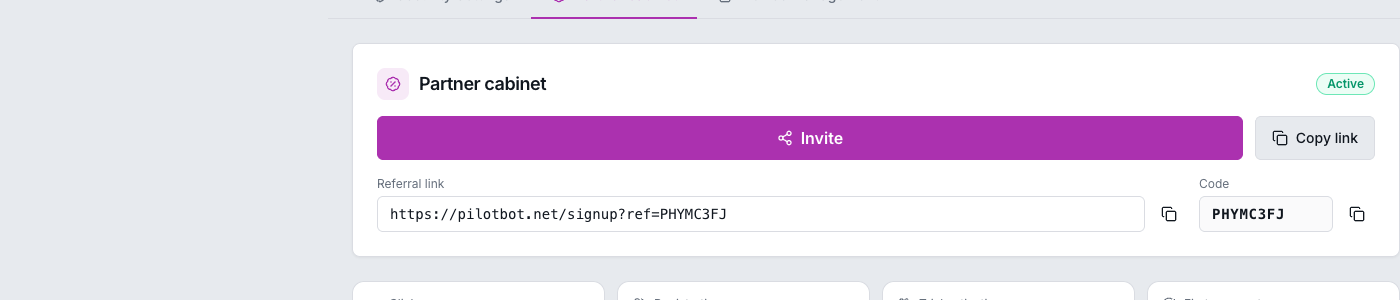
Anyone who signs up using your link — https://pilotbot.net/signup?ref=YOUR_CODE — is automatically attributed to you.
How to Invite
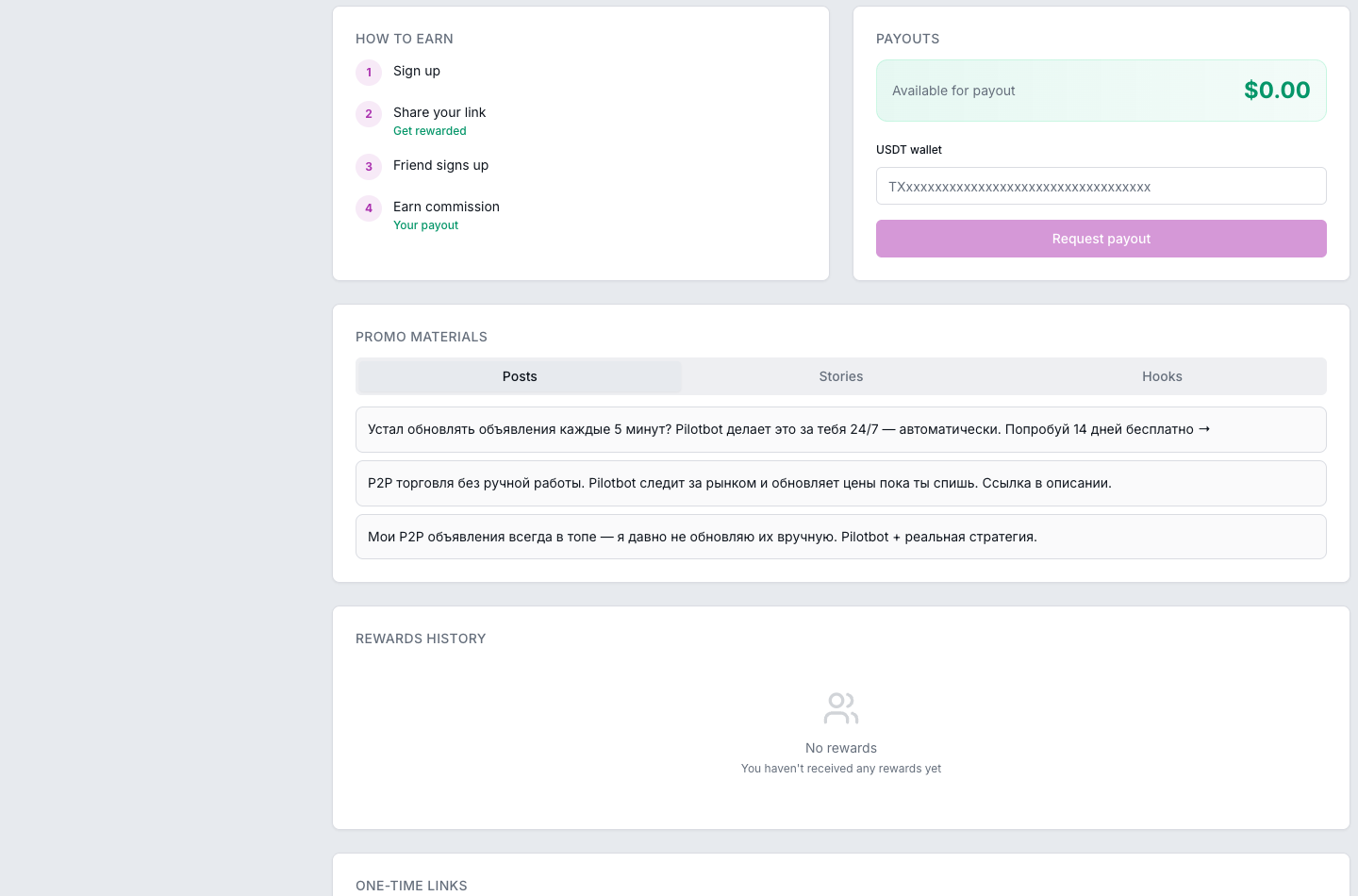
You don't have to write anything from scratch. The cabinet includes ready-made promo materials — posts, story texts, and short hooks you can copy and share, plus banners and a QR code. Share your link on social media, in chats, or in your content description, and the promo texts help you explain what Pilotbot does.
Commission Tiers
Your commission rate depends on how many paying customers you've brought in. It starts at the Starter level (10%) and moves up — the next level is Bronze at 15%, and it keeps growing from there.
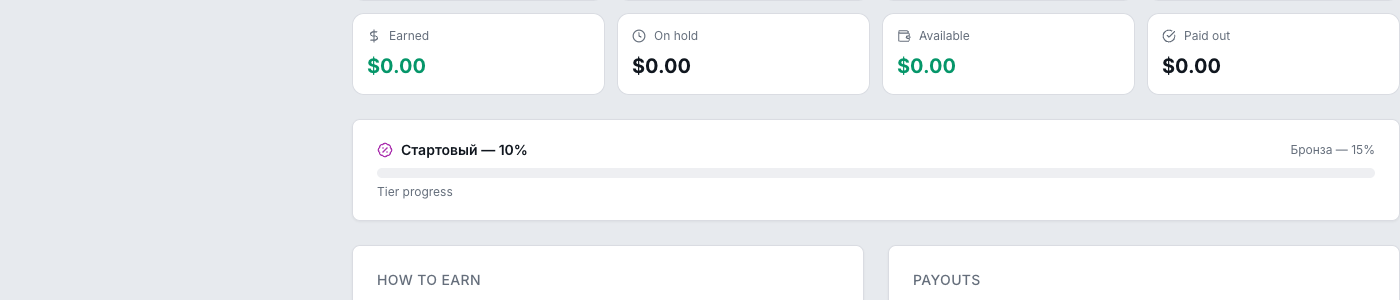
The percentage always applies to your referred user's first payment. Higher tiers mean a bigger cut on every new customer you bring in after you reach them.
How to Read Your Stats
The cabinet shows your whole funnel at a glance:
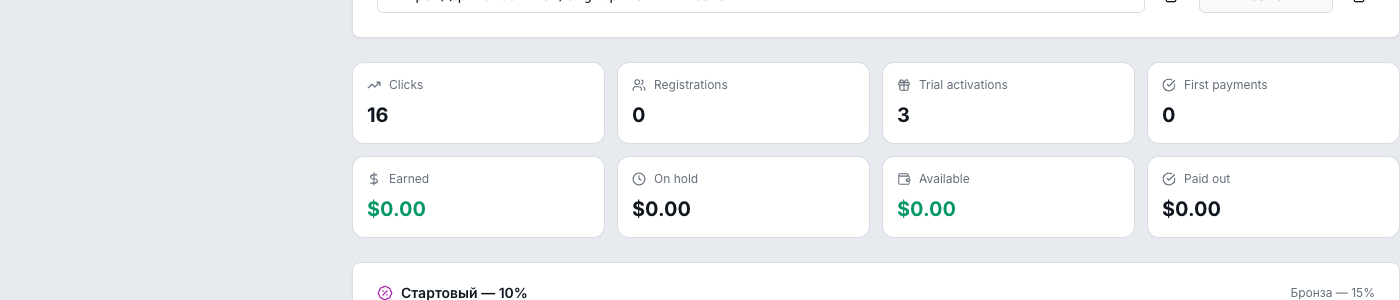
- Clicks — how many times your link was opened.
- Registrations — people who signed up through your link.
- Trial activations — referred users who claimed their free trial bonus.
- First payments — referred users who became paying customers.
- Earned — the total reward you've generated (in any status).
- On hold — rewards still inside the 14-day holding period.
- Available — rewards that have cleared the hold and are ready to withdraw.
- Paid — rewards already paid out to you.
When a Reward Is Earned
A reward is created the moment your referred user makes their first payment. Registrations and trial activations don't create a reward on their own — the payment does. Only the first payment counts, so each referred customer generates one reward.
Why the 14-Day Hold
A new reward doesn't become withdrawable immediately. It sits On hold for 14 days first. This holding period protects the program from refunds and fraud — if a payment is reversed within that window, the reward is cancelled instead of paid. After 14 days, the reward automatically moves to Available and you can withdraw it.
How to Get Paid
Payouts are sent in USDT on the TRC-20 network.
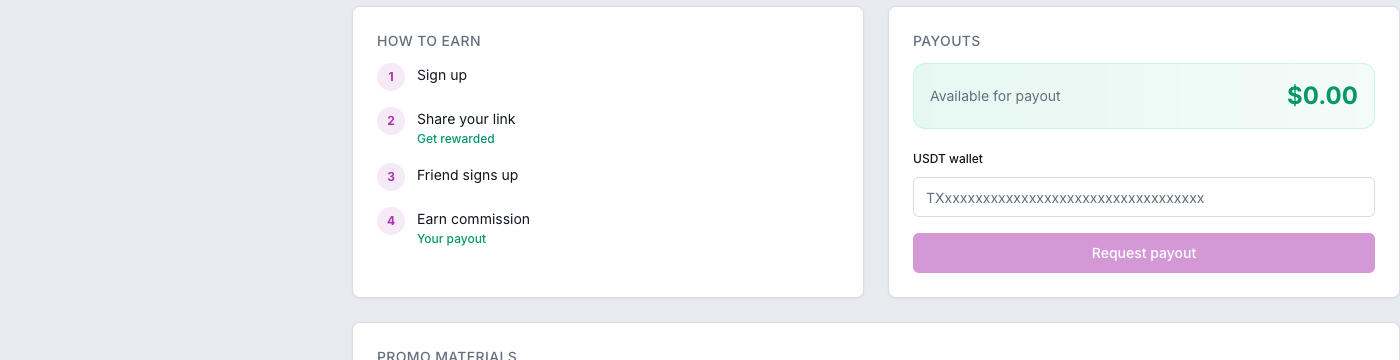
- Enter your USDT (TRC-20) wallet address in the payout block.
- Once your Available balance is at least $1.00, the Request payout button becomes active.
- Submit the request. Each payout is reviewed and confirmed manually before the USDT is sent, so it isn't instant — allow time for the review.
Amounts are accounted at a fixed 1:1 USD → USDT rate; the exact on-chain amount is settled when the payout is sent.
Terms and Limits
- 30-day window — your referred user needs to make their first payment within 30 days of signing up for the reward to qualify.
- No self-referrals — you can't use your own link to reward yourself; this is blocked automatically.
- Anti-fraud checks — suspicious activity (throwaway emails, abnormal signup patterns) can put a reward on extended hold or cancel it. Genuine referrals are not affected.
Frequently Asked Questions
When will I actually receive money? After your referred user pays, the reward is On hold for 14 days, then becomes Available. Once your Available balance reaches $1, request a payout; it's sent to your USDT wallet after a manual review.
What if my referred user registered but never paid? You'll see the registration (and possibly a trial activation) in your stats, but a commission is only created on their first payment. No payment, no reward — yet. If they pay later within the 30-day window, the reward is created then.
Do I get paid again when they renew? The reward is generated on the first payment. Recurring renewals don't create additional rewards.
Which network is used for payouts? USDT on TRC-20. Make sure the wallet address you enter is a valid TRC-20 address.
Is there a minimum payout? Yes — your Available balance must be at least $1.00 to request a payout.